

Get familiar with your Sprint 2
Set up your Sprint 2, start your first session, and explore guides for training and testing athletes.
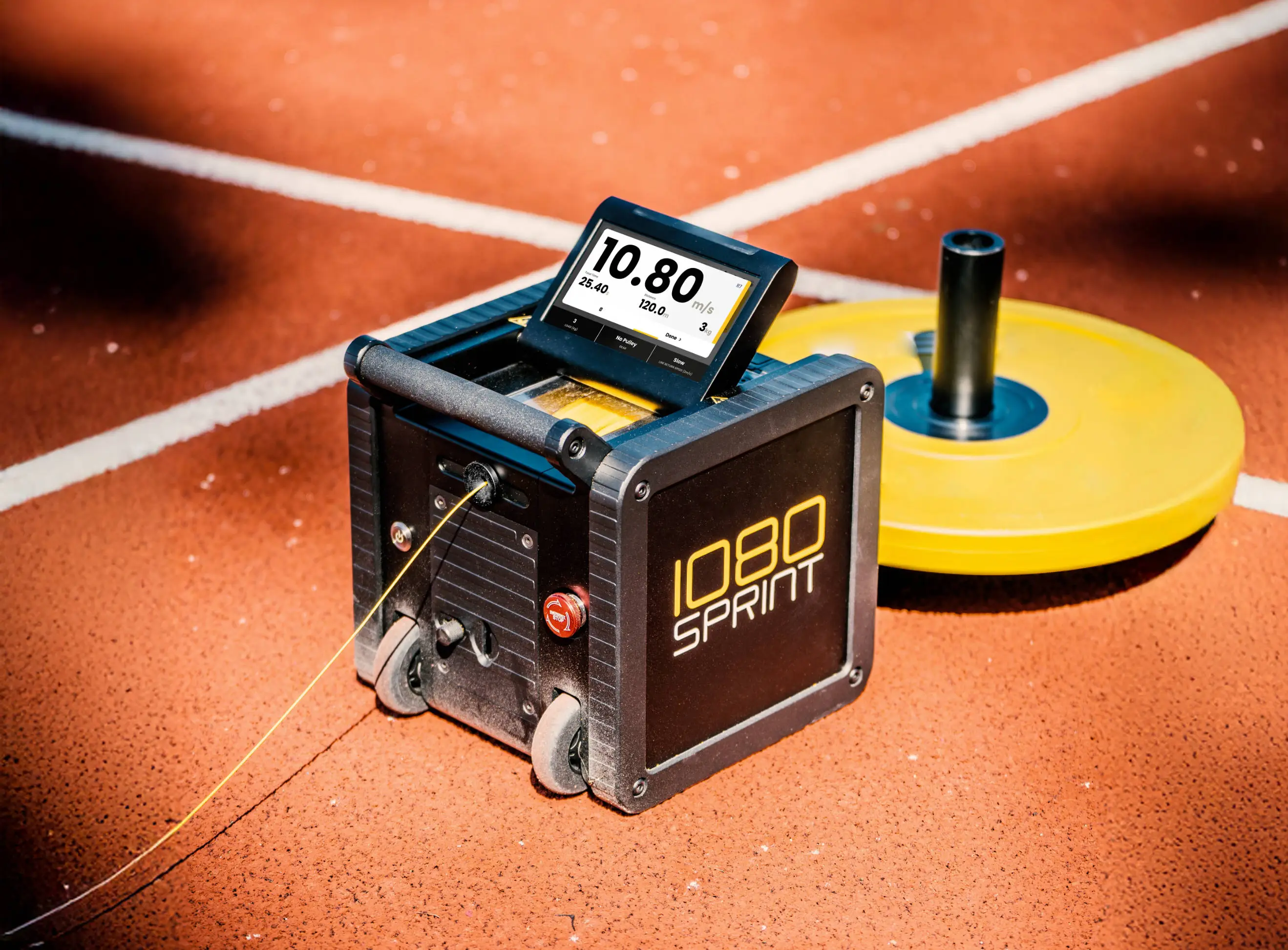 Quick start
Resisted Sprinting
Learn how to run resisted on the Sprint 2
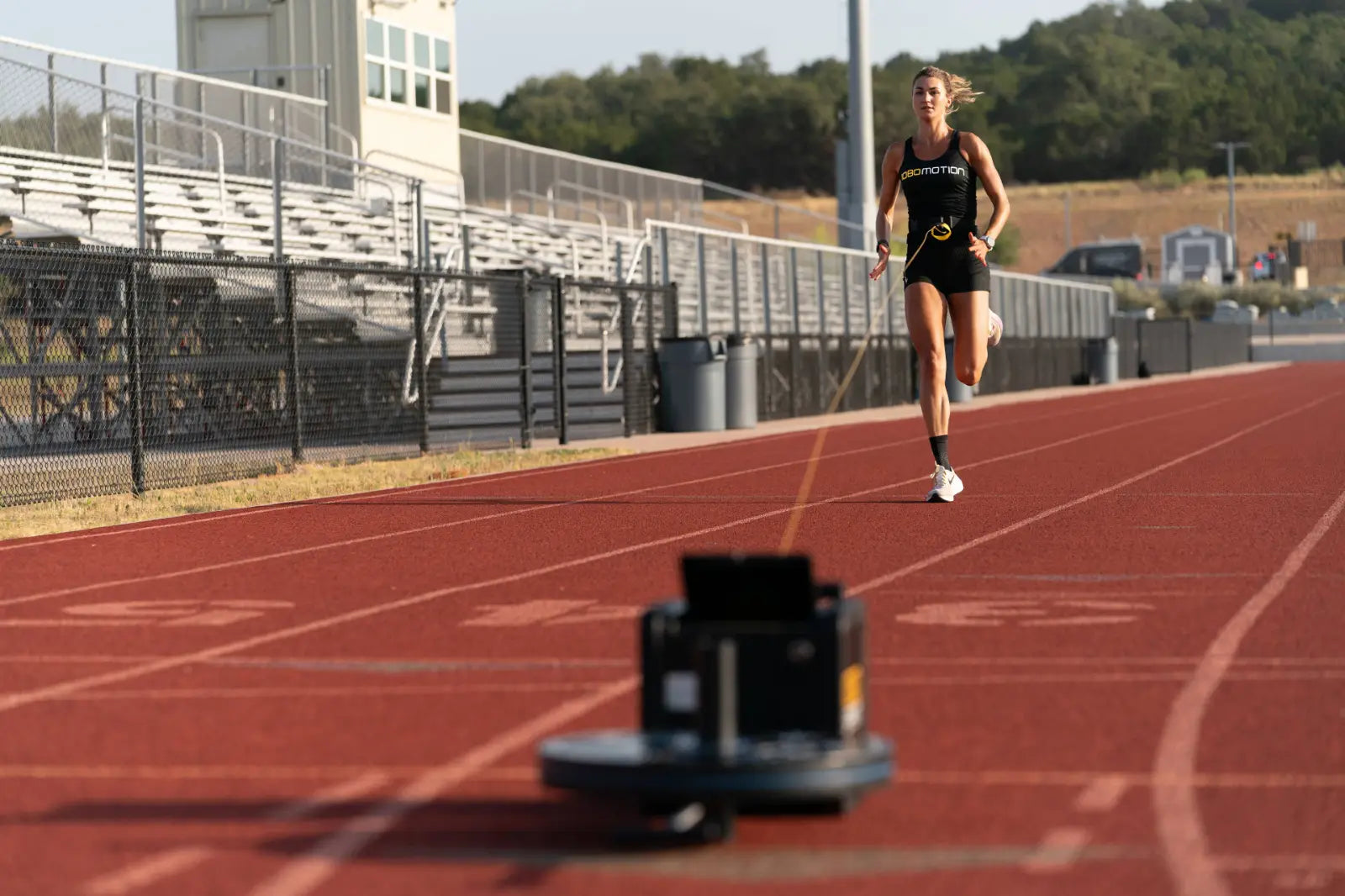 Quick start
Assisted Sprinting
Learn how to run assisted on the Sprint 2
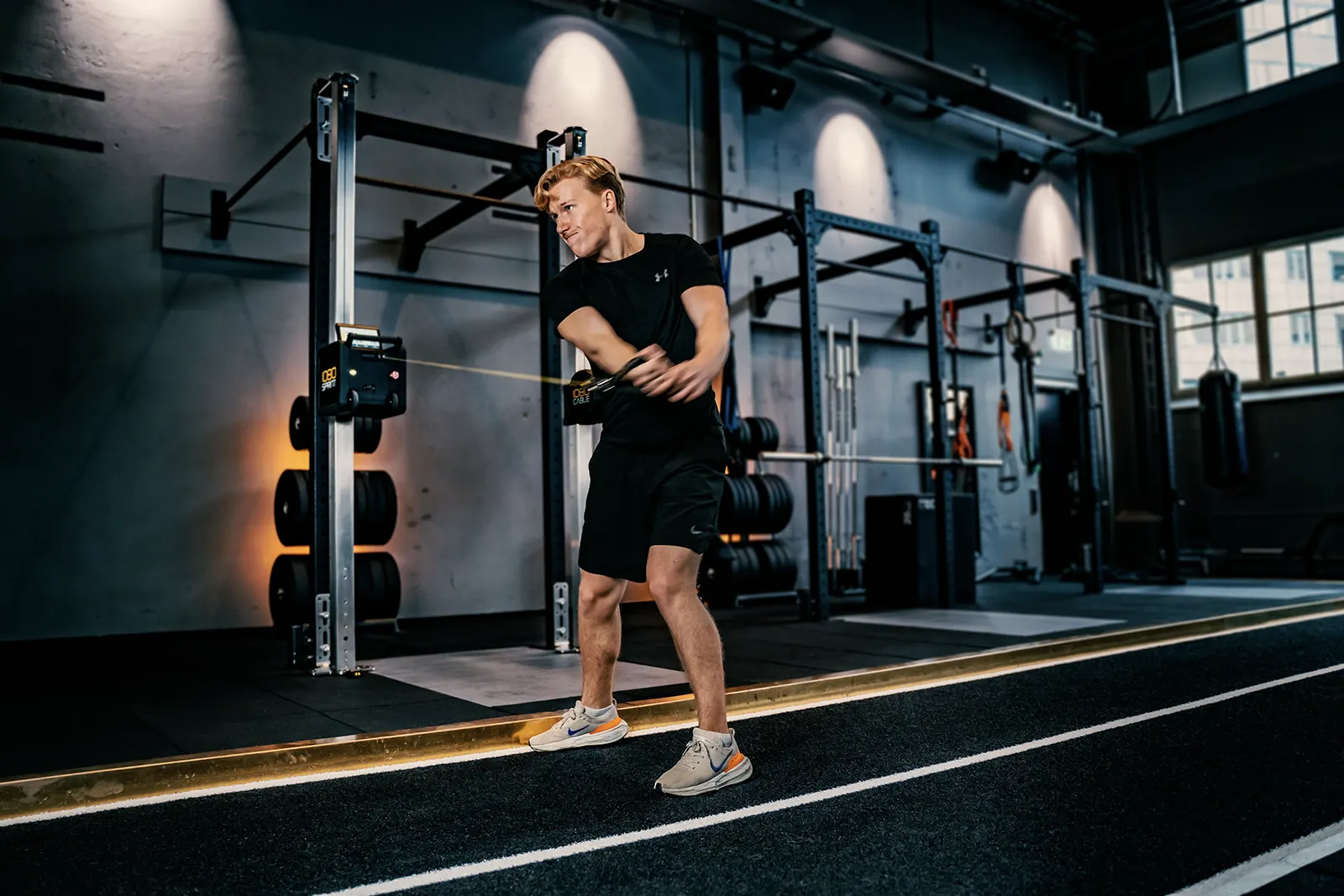 Quick start
Reps
Learn how to perform rep type exercises on the Sprint 2
User Manual
Download the full Sprint 2 user manual (PDF)
DocumentBattery Test Summary
UN 38.3 transport test summary (PDF)
Training and testing
Use these coaching guides to plan sessions and interpret results after you are familiar with the machine.
Load Velocity Profiling
Test resisted sprint performance and build an individual profile.
TestingForce Velocity Profiling
Run a sprint test and understand the five main metrics.
TestingADA Deceleration Test
Measure braking performance and progress deceleration training.
TrainingAssisted Sprinting and Overspeed
Plan the finish and progress controlled speed exposure.
TrainingVelocity Decrements
Choose individual sprint loads for a training goal.
TrainingIsokinetic Strength Training
Choose speed and track sustained force output.
TrainingEccentric Training
Plan eccentric overload and distinguish supramaximal work.
Explore all user guides, including team setups, sport guides, and change-of-direction testing.
What’s Inside the Box
- 1 pc – 1080 Sprint 2: Battery powered and ready for action.
- 1 pc – Battery Charger
- 1 pc – Telescopic Handle
- 2 pcs – Light Duty Waist Belt
- 1 pc – Change of Direction Waist Belt
- 1 pc – Quick Release Strap
- 2 pc – Spare Line Safety Loop
- 1 pc – 120m 1.3mm Spare Line
- 2 pcs – Carabiner Clip (small and large)
- 1 pc – Pulley
- 1 pc – H4 Hex Key
- 1 pc – H5 Hex Key
- 1 pc – T10 Torx Key
- 1 pc – UN 38.3 Transport Test Summary Slip
- 1 pc – Line Stop Adapter
- 9 pcs – Spot Markers (3 black, 3 yellow, 3 white) Need something else? Check out shop.1080motion.com.
Get your Sprint 2 ready
Get your Sprint 2 ready by following the following steps:
- Fold up the display on top of the unit.
- Press the power button on the front of the unit.
- Attach the handle by sliding in the top flange into the front of the Sprint 2.
- Gently fold the handle down until you hear a click and it is firmly attached.
Attach weights to the detachable handle
When using the machine make sure you attach sufficient weight on the handle.
How do I connect my Sprint 2 to Control App
Please check our guide Tablet/Laptop Remote Control Set up.
How do I set up my Sprint 2 for the first time?
Unbox the unit, plug in the battery, secure it using the telescoping handle with a weight and power it on. Follow the quick-start resisted sprint app and you’ll be ready for your first resisted sprint in minutes.
Do Quickstart Apps on the 1080 Sprint 2 and Cable save data?
No. Quickstart Apps display metrics in real time only. Once the app is closed, the data is deleted. For saving data use the Sessions app.
Do I need Wi-Fi to get started?
No. The Sprint 2 works offline with the built-in touchscreen. Wi-Fi is required only for syncing to the cloud or connecting to the Control App.
Can I use any tablet device with the 1080 Control App?
No. The 1080 Control App runs only on Windows 10/11 devices (Surface Go/Pro tablets or laptops). Highly recommend upgrading Windows 10 to 11 to have USB-C cable support.
What if I don’t have reliable Wi-Fi?
Connect a Windows 11 tablet/laptop directly with the included USB-C cable.
What accessories are included with my Sprint 2?
Travel case, battery, charger, heavy/light/COD belts, replacement line, telescoping handle, and pulley. You can order (contact sales@1080motion.com)and browse our online catalog.
How durable is it for team training?
The Sprint 2 is built for heavy daily use. It supports fast turnover (~15s per rep) and smooth cable action for high-volume sessions.